Camera AI
Shoot straight to a composition guide, with face-filter presets built in.
What is Camera AI?
Camera AI is BeatShort's built-in capture tool — instead of guessing where to frame a shot, it overlays a composition guide directly on the viewfinder so your footage lines up with the beat template you picked before you even press record.
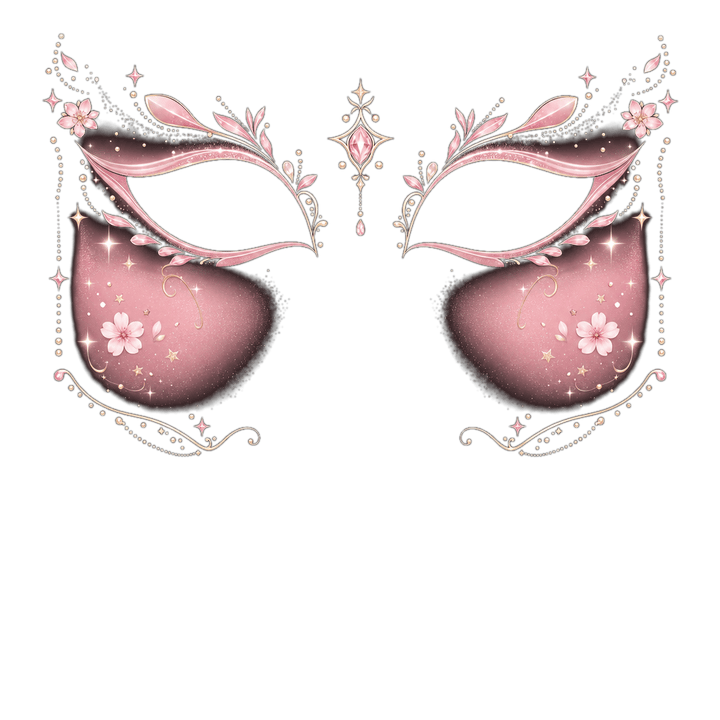
It also ships with real-time face-filter presets across eight style categories: beauty, anime, horror, fantasy, joker, half-face, eyes-only, and full-face. Each preset is a layered overlay rendered live on the camera feed, not a post-processing filter you apply after the fact.
How it works
- 1
Pick a template first
Choose the Rhythm/Flow template you're shooting for — Camera AI reads its slot shape and overlays the matching guide.
- 2
Frame with the guide
Line up your subject against the on-screen guide so the clip drops into its beat slot without cropping surprises later.
- 3
Add a face filter (optional)
Browse the 8 style categories and tap a preset — it renders live so you see the exact result while shooting.
- 4
Capture
Shoot photo or video directly into your project; no separate import step.
Who it's for
TikTok/Reels creators
Nail the framing for a specific beat slot on the first take instead of re-shooting after editing.
Selfie & vlog creators
Use beauty or eyes-only presets for a polished on-camera look without a separate editing pass.
Meme & comedy accounts
Joker, horror, and full-face presets are built for exaggerated, high-energy comedic content.
We haven't found a third-party tool that does this justice yet — check back once BeatShort ships.
FAQ
Do face filters work in real time or only after export?
Can I use the composition guide without a face filter?
Related tools
Coming soon to the BeatShort app
BeatShort is still in development. Leave your email and we'll let you know the moment it's on the App Store.
Notify Me